HDR is usually mastered to look best in a dark, controlled room. But most of us don’t watch that way. We watch with daylight coming through windows, lamps on, kitchen lights behind the sofa, or a bright Saturday afternoon game. That’s where many HDR setups start to feel “off”: dark scenes become hard to see, shadow detail disappears, and you end up riding the brightness slider depending on the time of day.
Dolby Vision IQ was built to solve that exact real-room problem. It takes standard Dolby Vision HDR (which already uses dynamic metadata) and adds ambient light awareness, so the TV can keep the image readable without you constantly changing settings. Dolby Laboratories
1) The “real room” HDR problem in one sentence
HDR can look amazing at night, but in a bright room it can look too dim in shadows, because your eyes are fighting the room’s light.
A classic example:
This happens even on good TVs, because the HDR signal is trying to preserve highlight detail and creative intent, and the TV doesn’t know your room got brighter—unless it has a system like Dolby Vision IQ.
2) What Dolby Vision IQ actually does
Dolby Vision IQ typically includes a feature often described as Light Sense: it uses the TV’s ambient light sensor plus Dolby Vision metadata to adjust playback for your room lighting.
In practice, it can:
Lift shadow detail so dark scenes stay visible in a bright room
Adjust how the TV maps HDR brightness (tone mapping / PQ curve behavior) so the image doesn’t feel “too dark” in daytime
Maintain a more consistent experience across different lighting conditions (day vs night)
Think of it like your phone’s auto-brightness—except applied to HDR playback with content-aware guidance.
3) What you actually see differently
A) Dark scenes stop turning into “black blobs” during the day
This is the most noticeable win.
With Dolby Vision IQ enabled in a bright room, you’re more likely to see:
Dolby’s own guidance frames this as maintaining consistent playback using metadata plus ambient light sensor data.
B) Fewer “why is HDR so dim?” moments
Some HDR titles look dim by design (to preserve highlights and cinematic grading). Dolby Vision IQ can reduce the need for manual adjustments in daytime viewing by adapting the presentation to the room.
C) More stable “HDR impact” without constantly switching modes
A common habit is using a bright “Standard” mode in daytime and a cinema mode at night. Dolby Vision IQ aims to make the Dolby Vision mode itself more usable across both conditions.
4) Why this matters especially on Mini LED TVs
Mini LED TVs are often chosen for two reasons:
higher brightness, and
local dimming for better contrast.
But even with high brightness available, HDR content can still be graded in a way that looks too dark in bright rooms. Dolby Vision IQ helps the TV decide how to use that brightness headroom so the image stays readable while keeping HDR intent as much as possible.
If you’re watching in a bright living room, this pairing—Mini LED brightness + Dolby Vision IQ adaptation—can feel more “effortless” than raw brightness alone.
5) Content Type Metadata (L11): the “smart mode” layer most people don’t notice
Dolby has also documented “Content Type Metadata” (often referenced as L11) as part of the Dolby Vision IQ ecosystem, which can help TVs automatically optimize settings based on the type of content.
You don’t need to memorize L11. The practical point is:
That’s why two Dolby Vision IQ TVs can behave differently: the TV brand’s implementation still matters, and not every model supports every optional behavior the same way.
6) When to use Dolby Vision IQ (and when to turn it off)
Turn it ON if:
You watch HDR in a room with windows or lights on
You frequently notice dark scenes being hard to see
You want a “set it and forget it” Dolby Vision experience
Consider turning it OFF if:
You watch mostly at night in a dim room and prefer the strictest “creator intent” look
You notice brightness “pumping” (some viewers are sensitive to visible adjustments during cuts)
You already have your room lighting controlled and your picture tuned exactly the way you like
This isn’t a rule—just a practical sanity check. Many people leave it on for daytime and turn it off for serious night movie sessions.
7) A quick setup workflow that works in real homes
If your TV offers both Dolby Vision IQ and standard Dolby Vision modes, try this:
Enable Dolby Vision IQ and watch a dark episode scene in daytime
Switch to standard Dolby Vision and compare:
If IQ looks better in daytime, keep it as your default
For night movie sessions, create a second preset using standard Dolby Vision (or a Filmmaker/Cinema mode) with lower overall brightness
This gives you the best of both: real-room usability + night-time accuracy.
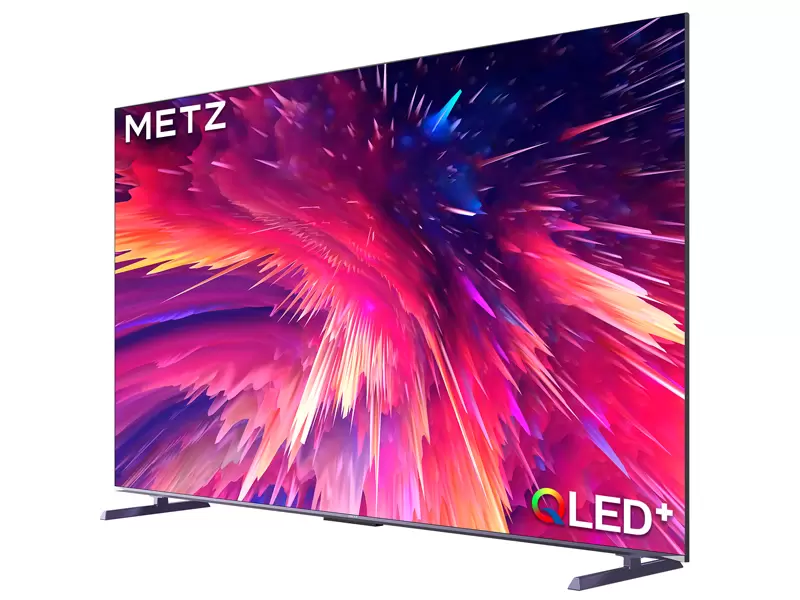
8) Example context: METZ MNE9000 lists Dolby Vision IQ support
If you’re building a content cluster around a specific Mini LED model, it helps when the product literature explicitly lists Dolby Vision IQ. For example, the MNE9000 marketing/datasheet materials list HDR10 / HLG / Dolby Vision IQ. METZ
That matters for your blog strategy because you can connect user pain points (“HDR is too dark in my living room”) to a concrete feature (“Dolby Vision IQ adapts to ambient light”).
The takeaway
Dolby Vision IQ isn’t about making HDR “brighter” for the sake of it. It’s about making HDR more watchable in real homes—where lighting changes constantly—by using an ambient light sensor plus Dolby Vision metadata to keep detail and contrast balanced.
If your viewing environment isn’t a dedicated dark theater room, this is one of the most practical HDR features you can write about, because the benefit is immediate: you stop fighting your TV and start watching.
Source: