After reading a bunch of specs and reviews, most buyers still end up with the same feeling: “I think I found the right 4K QLED TV… but what if I’m missing something important?” That’s exactly why a checklist works. It turns a confusing spec sheet into a simple “yes/no” purchase decision.
This article is designed as a final “close the loop” post for your 4K QLED topic cluster. It’s practical, copy-friendly, and written to help real buyers avoid the most common regrets: wrong size, wrong ports, bad brightness for their room, audio mismatches, and smart system frustrations.
1) Confirm the screen size fits your viewing distance and wall space
Before you click “buy,” verify:
your sofa distance suits the size you picked
the wall/TV cabinet has enough width
the TV won’t block walkways or feel cramped next to shelves/doors
Real-world tip: Use painter’s tape to outline the screen size on the wall. Sit down and check comfort for sports and subtitles.
2) Check your room brightness and reflection situation
A TV that looks great at night can struggle in a bright room if reflections dominate.
Verify:
where windows are relative to the TV
whether ceiling spotlights reflect in the screen
whether the TV will face a bright doorway or open kitchen
If the room is bright, prioritize:
strong daytime visibility
reflection-aware placement
a good “Day” picture profile
3) Look for refresh rate suitability (sports and gaming)
If you watch sports often or game regularly, refresh capability matters.
Verify:
whether the TV supports higher refresh modes (where applicable)
whether motion settings allow a natural sports picture (not overly smooth)
whether Game Mode exists and is easy to use
You don’t need to be a gamer to benefit—sports often looks better with stable motion handling.
4) Verify HDMI port usefulness, not just quantity
Many people buy based on “number of HDMI ports” and forget that:
Verify:
which HDMI port is eARC/ARC (for soundbar/receiver)
which ports support gaming features (VRR/ALLM/high refresh)
how many devices you’ll plug in (console, streaming box, cable box, etc.)
If your household uses multiple devices, HDMI planning prevents daily annoyance.
5) Confirm eARC support if you plan a soundbar (or might add one later)
Even if you’re not buying a soundbar today, many buyers add one later.
Verify:
the TV supports eARC (or ARC if eARC isn’t available)
the eARC port location fits your cable plan
the TV has a clear audio passthrough/auto setting
This reduces “no sound” issues and lip sync pain later.
6) Check HDR format support (and keep expectations realistic)
HDR can look fantastic, but format support varies.
Verify:
Remember: HDR formats matter, but so do settings and room lighting.
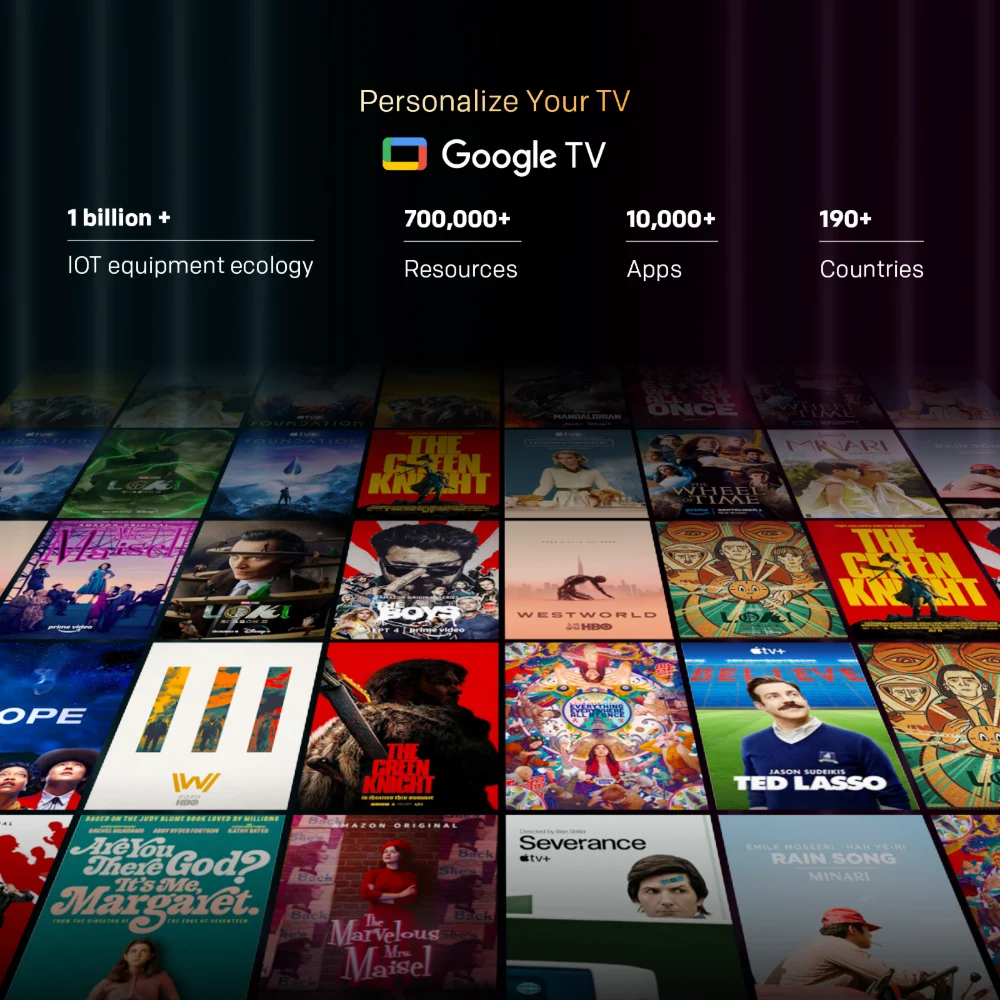
7) Confirm the smart platform experience fits your household
A smart TV is a daily-use interface.
Verify:
whether the platform is easy for your household (profiles, apps, casting)
whether it supports the apps you actually use (regional services matter)
whether the TV has enough storage and runs smoothly with a normal app set
Practical tip: Don’t install 30 apps on day one. Keep it lean and fast.
8) Check casting and phone integration habits
If your household shares content from phones:
Verify:
built-in casting support behavior
stable Wi-Fi performance in the TV location
whether you prefer phone control or remote control
9) Think about audio expectations honestly
If you mostly watch:
…built-in TV speakers can be “fine,” but you may end up wanting more clarity.
Verify:
whether the TV offers dialogue enhancement modes
whether sound settings are simple enough to tune
whether you have an upgrade path (soundbar via eARC)
10) Confirm installation plan: wall mount vs stand and correct height
A perfect TV can feel wrong if installed badly.
Verify:
if wall mounting, the height is comfortable (eye level around the middle third)
if using a stand, your console height isn’t forcing the TV too high
cable routes are planned (power + HDMI + soundbar)
you have “slack” for future device changes
Large TVs (75–86 inch) especially benefit from planning.
11) Double-check warranty and support essentials (quick sanity check)
Even if you don’t want to read long policies, confirm:
This is basic risk management, especially for large-size purchases.
12) Decide the one thing you refuse to compromise on
This is a simple buyer trick that prevents regret.
Pick one non-negotiable:
“Must look good in daylight”
“Must have smooth sports motion”
“Must support my console and soundbar setup”
“Must be easy for my family to use”
Then choose the model that meets that requirement first. Everything else becomes easier.
A clean “before you order” mini-checklist (copy/paste)
Source:




.webp)