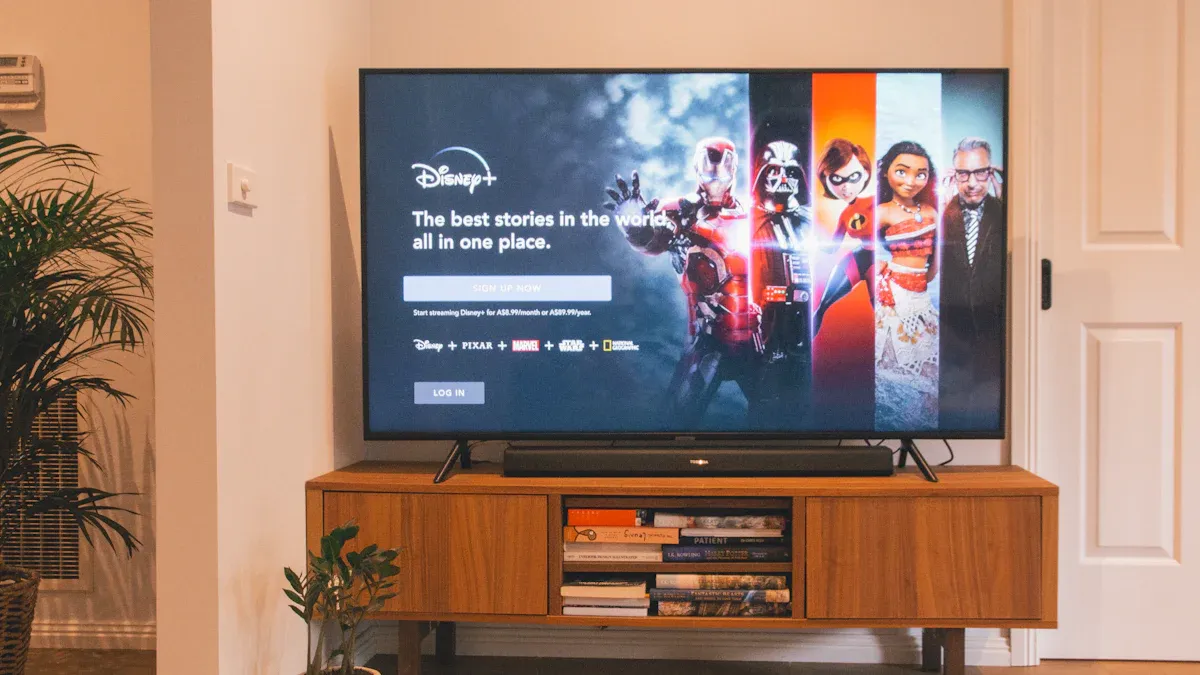
One of the most common “I bought a new TV” complaints isn’t about the picture—it’s about voices. You sit down to watch a series, and the dialogue feels too quiet. Then an action scene hits and the volume suddenly jumps. You keep riding the remote all night, and the experience feels exhausting.
This problem can happen even on a premium 4K QLED TV, and it’s not always because the speakers are “bad.” Modern movies and streaming mixes often have:
wider dynamic range (big difference between quiet and loud moments)
more layered sound design (music + effects + ambience)
dialogue that can get buried without a center-focused system
The good news: in many cases, you can improve dialogue clarity with smart settings—whether you’re using TV speakers or a soundbar—without turning everything into harsh, thin audio.
1) Why dialogue sounds quiet on modern TVs (the real reasons)
A) Modern audio mixes prioritize “cinema dynamics”
Many shows and films are mixed to feel cinematic: whispers are quiet, explosions are loud. In a theater, that’s exciting. In a living room, it often becomes a volume problem.
B) Your speakers are small and downward-firing
Many TVs use slim speakers that fire downward or backward. That can make speech less direct, especially if:
the TV is wall-mounted high
the room is echo-y (hard floors, bare walls)
the TV sits inside a cabinet
C) Sound settings can unintentionally bury voices
Some modes increase bass and ambience, which can make dialogue less clear. Others add “virtual surround” effects that smear speech.
D) The content source changes volume behavior
Streaming apps, TV channels, and different shows can have very different audio levels. Even the same service can vary by title.
2) First fix: choose the right sound mode (TV speakers)
If you’re using built-in speakers, your TV usually has a few sound presets. Start here:
Best starting modes for dialogue
Standard or Movie (if it sounds natural)
Speech / Dialogue mode (if available)
Clear Voice mode (naming varies)
Avoid these if dialogue is weak
Quick test: If turning on “surround” makes voices less clear, turn it off. Most TVs sound clearer with less processing.
3) Use a “night” or “auto volume” feature carefully (it often solves the jumpy volume)
Many TVs and soundbars include:
These features reduce the gap between quiet dialogue and loud action scenes.
When to use it
you watch at night
you live in an apartment
you hate volume spikes
When to be cautious
Some leveling modes can make the whole soundtrack feel flat. If that happens, reduce the strength setting (low/medium is often best).
Practical approach: Use leveling at a mild setting. You want less “volume surprise,” not lifeless sound.
4) Check the “audio output format” setting (important for external audio too)
Even with TV speakers, some audio format settings can affect clarity. With a soundbar/receiver, it matters more.
Common options:
PCM
Bitstream
Auto
Passthrough
Why it matters
If the TV is converting audio strangely or sending a format that your sound system doesn’t handle well, you can get:
lower dialogue clarity
weird volume behavior
lip sync issues
Troubleshooting method:
If sound is inconsistent, switch between Auto and PCM to test stability.
If you want your soundbar/AVR to do the decoding, use passthrough/bitstream when stable.
5) The single best physical fix: change placement (yes, really)
This sounds too simple, but it works.
If your TV speakers are downward-firing and the TV sits on a glossy surface or in a cabinet, speech can lose definition.
Try:
moving the TV forward so speakers aren’t blocked
avoiding a deep shelf where sound gets trapped
adding a soft surface nearby (a small rug or fabric can reduce harsh reflections in echo-y rooms)
Small room changes can improve speech clarity more than you’d expect.
6) If you’re using a soundbar: here’s how to make voices clear without harshness
A soundbar usually improves dialogue because it:
But it still needs the right settings.
A) Enable dialogue enhancement (if available)
Many soundbars have:
Voice mode
Dialogue enhancement
Clear voice
Center level adjustment
Start with low to medium strength. Too much can make voices sound thin and artificial.
B) Reduce bass if voices are buried
Excess bass can mask the midrange frequencies where speech lives. If dialogue feels muffled:
C) Use eARC properly (stability matters)
If your soundbar is connected via eARC/ARC:
A stable connection reduces random format switching, which can affect volume consistency.
7) The “volume jumps between shows” problem: what to do
If you notice different shows/apps have wildly different volume:
enable a mild auto volume / leveling mode
keep a consistent sound mode across apps
avoid switching between multiple “enhanced” modes that change perceived loudness
Also, remember that some apps and live broadcasts are simply mastered differently. Your goal is to reduce the extremes, not force everything into one identical loudness.
8) A fast troubleshooting checklist (do this in order)
If dialogue is too quiet, do these steps:
Switch TV sound mode to Standard/Movie or Speech
Disable virtual surround and heavy enhancements
Enable mild auto volume / night mode (if volume spikes annoy you)
Check TV audio output format (Auto vs PCM test)
Improve speaker placement (avoid blocking the TV speakers)
If using soundbar: enable dialogue enhancement and reduce bass
Test across two apps and one known title to confirm improvement
This sequence solves most dialogue complaints without buying new gear.
9) When a soundbar is truly worth it (the honest upgrade point)
Consider a soundbar if:
you watch a lot of dialogue-heavy content (dramas, news, documentaries)
you constantly adjust volume
you want clearer voices without turning up the overall loudness
your TV is wall-mounted high (built-in speakers often struggle here)
You don’t need a complex system to get a big improvement. Even a basic soundbar can help because it points sound where you sit.
Final takeaway
Quiet dialogue is usually not a “broken TV” problem. It’s a mix of:
modern cinematic audio mixing
small speaker physics
room acoustics and placement
overly processed sound modes
inconsistent app mastering
Start with simple tuning (mode + enhancements + leveling), then optimize placement. If you still struggle, a soundbar with dialogue mode is often the most practical upgrade for everyday enjoyment.
Source: