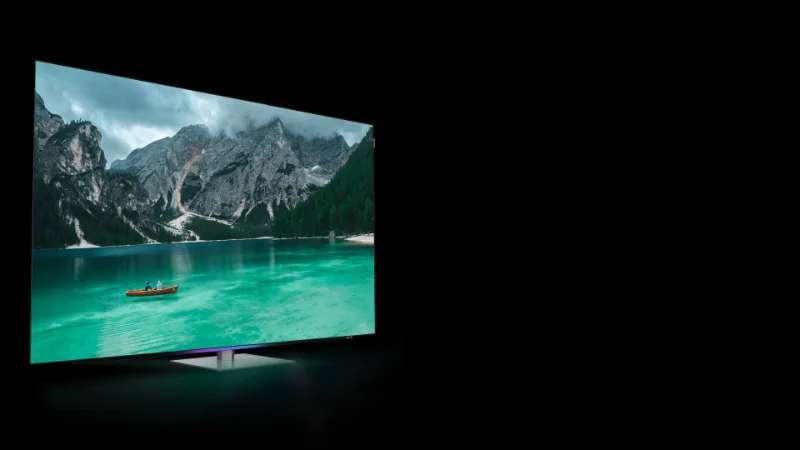
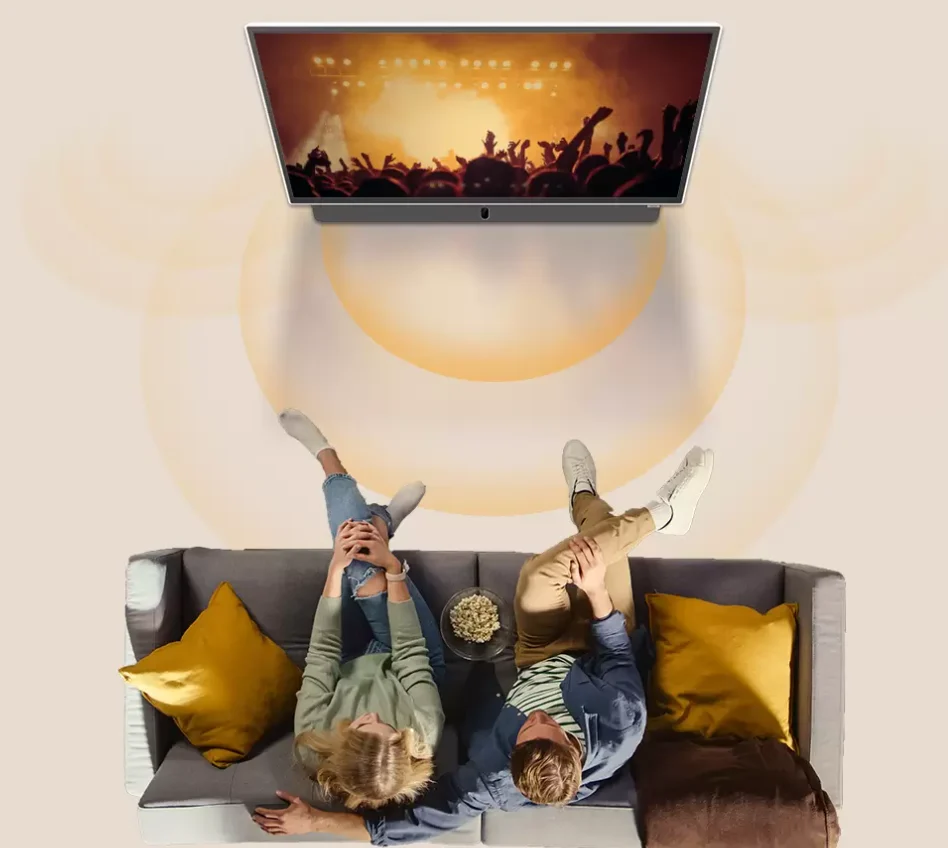
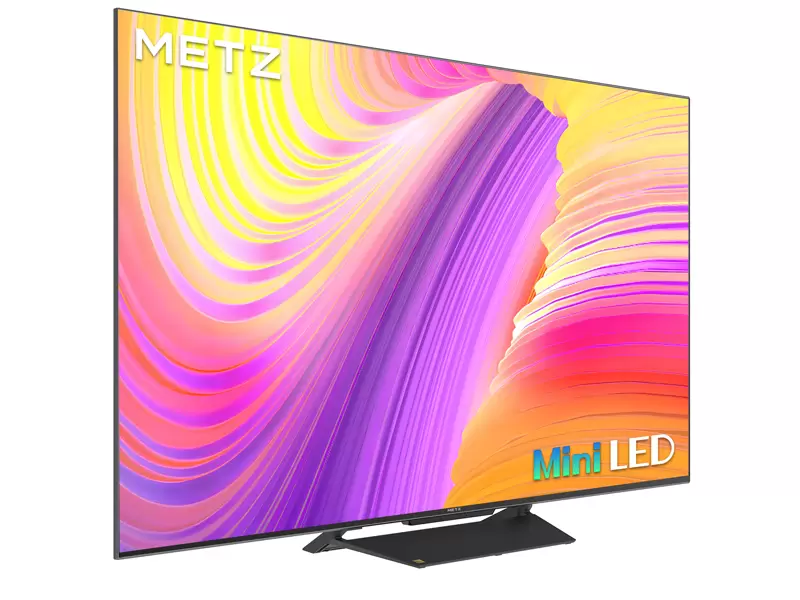
“Local dimming zones” is one of the most misunderstood TV specs—especially on Mini LED models. People see a big zone number and assume it automatically means “OLED-level blacks” or “perfect contrast.” In reality, local dimming is a system: hardware (zones + backlight design) plus software (how the TV decides what to brighten or darken, frame by frame).
This guide explains what local dimming zones are, what they actually improve, where they can still struggle, and how to judge real performance without getting trapped by marketing.
I’ll occasionally reference METZ Mini LED models like the MNE9000 because it’s a good example of a TV category that relies on local dimming to deliver higher contrast and HDR punch.
1) What “local dimming” really means
A traditional LED TV has a backlight behind the LCD panel. The LCD layer controls color and blocks light, but it can’t completely stop the backlight from shining through—so blacks often look gray in dark scenes.
Local dimming improves that by dividing the backlight into multiple controllable regions (“zones”). The TV can then:
Brighten zones behind highlights (stadium lights, reflections, bright jerseys)
Dim zones behind dark areas (night sky, shadowed stands, dark movie scenes)
The result: higher perceived contrast—brighter highlights and darker blacks in the same scene.
Mini LED and why it pairs well with local dimming
Mini LED TVs use many smaller LEDs in the backlight. This usually allows:
But the key phrase is “paired with good algorithms.” Hardware alone doesn’t guarantee great results.
2) What are “local dimming zones”?
A “zone” is a section of the backlight that can be adjusted independently. Think of it like a grid behind the screen. The TV decides each zone’s brightness in real time based on what’s shown.
Important detail: zones are not pixels. The image might have millions of pixels, but the backlight might have hundreds (or thousands) of zones. That mismatch is the source of most local dimming artifacts.
Zone count helps—but it’s not the whole story
More zones can mean:
Smaller areas of light control
Better separation between bright and dark objects
Reduced haloing (blooming)
But you can still get mediocre results with many zones if the software is too aggressive (crushing blacks) or too conservative (gray blacks, weak contrast).
3) What local dimming improves the most (real-life benefits)
A) Dark scenes don’t look washed out
Without local dimming, dark content often looks like it has a “gray fog.” Local dimming lets the TV lower backlight output in dark parts of the picture, so blacks look deeper.
B) HDR highlights look more “3D”
In HDR, the goal is not just brightness—it’s contrast within the same frame. Local dimming can make highlights pop while keeping surrounding areas dark.
C) Sports in bright rooms can still look punchy
Sports often includes bright graphics, white lines, and stadium lighting. Local dimming helps maintain impact without lifting the entire black level.
This is one reason Mini LED TVs are commonly positioned as “sports-friendly”—they can deliver brightness and contrast together.
4) The problems local dimming can’t fully escape
Even excellent local dimming can show imperfections, because zones are bigger than pixels.
A) Blooming (haloing)
Blooming is a glow around bright objects on dark backgrounds—like a scoreboard, subtitles, or a bright logo over a night scene.
Why it happens:
A bright object might sit in a zone that also contains dark pixels.
To make the bright object visible, the TV raises the zone brightness.
The dark pixels in that same zone get lifted too → halo.
More zones can reduce blooming, but software decisions are just as important.
B) Black crush (lost shadow detail)
Some TVs try to hide blooming by dimming aggressively. That can make blacks look great… but you lose detail in dark areas (a jacket becomes a black blob, shadows lose texture).
A good local dimming implementation balances:
Deep blacks
Preserved shadow detail
Minimal blooming
C) Brightness pumping (visible brightness shifts)
In tricky scenes, you might notice the picture brightness subtly “breathing” as the TV changes zone levels during camera cuts or moving highlights.
This is more noticeable if:
The algorithm is very reactive
The content has rapid changes (sports replays, flashing ads, quick cuts)
5) Why “zone count” can mislead you
People often shop by numbers: “More zones = better.” Sometimes that’s true, but it’s not reliable by itself.
Here’s what zone count does not tell you:
How the dimming algorithm prioritizes detail vs blooming
Whether the backlight design causes light leakage between zones
How the TV handles subtitles, UI, and logos (common worst-case tests)
How stable the dimming is during motion and cuts
A TV with fewer zones but excellent processing can look better than a TV with more zones and a sloppy algorithm.
6) How to judge local dimming performance quickly
If you’re checking a TV in person (or evaluating at home), use these practical tests:
Test 1: Subtitles on a dark scene
Play a dark movie scene and turn on subtitles.
Test 2: Scoreboard and graphics (sports)
Watch a night game or highlight reel.
Test 3: Starfield / city lights at night
Look for:
Individual bright points staying crisp
Minimal haze around each point
Dark sky staying dark without losing detail
Test 4: Shadow detail check
In a dim scene, pause and look at:
If those details disappear, local dimming may be crushing blacks.
7) Settings that actually help (without overthinking)
Most Mini LED TVs offer local dimming levels like Low / Medium / High.
A practical approach:
Sports (daytime): Medium or High local dimming often works well because the content is bright and the room may be bright too.
Movies (night): Start at Medium. If you see blooming in subtitles, try High—but watch for black crush.
General streaming: Medium is usually the safest balance.
If you notice brightness pumping:
No single setting is perfect for every scene; the goal is to choose a level that looks good most of the time.
8) What to look for in a Mini LED “local dimming” TV
When a Mini LED TV is marketed around local dimming (like METZ Mini LED lines), your checklist should be:
Does it improve blacks without killing shadow detail?
Is blooming controlled in subtitles and scoreboards?
Is brightness stable during camera cuts?
Does HDR look punchy and natural?
Are the best results easy to get with normal settings?
If the TV nails these, you’ll feel the benefit every day—especially for sports and HDR streaming.
Source: