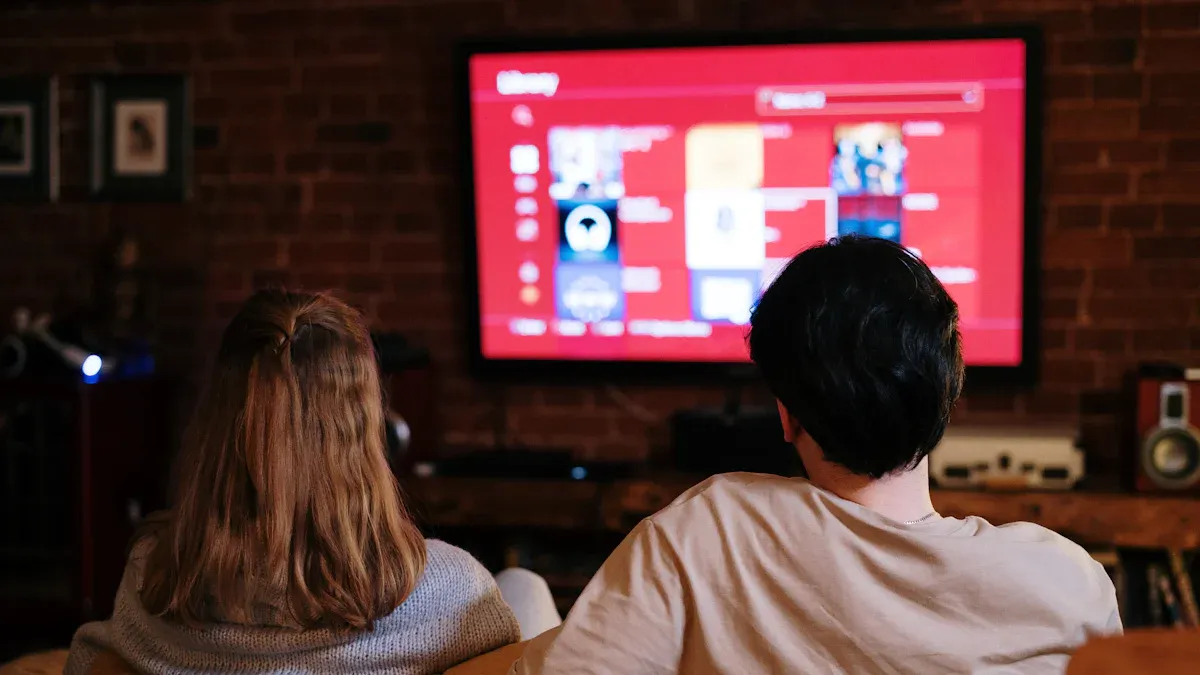
Buying a 4K QLED TV is the fun part. Installing it is where people accidentally ruin the experience. A TV mounted too high can cause neck strain. A TV on the stand but pushed too far back can make audio worse. Messy cables can turn a clean living room into a “tech corner.” And once you mount a 75–86 inch TV, you don’t want to redo it.
“Large-screen 4K QLED TV for wall mounting” / “4K QLED TV with eARC and HDMI gaming ports”
This guide helps you choose between wall mounting vs stand placement, then gives you practical height rules, viewing angle tips, and cable planning suggestions that keep your setup clean and comfortable—especially for larger screens.
1) Wall mount vs TV stand: which is better in real homes?
Choose a TV stand if you want:
the simplest install (no drilling, no wall anchors)
easy access to ports and cables
flexibility to move the TV later
lower risk of mounting too high
A stand setup can look great if your console is the right height and you manage cables properly.
Choose a wall mount if you want:
a cleaner, “built-in” look
more floor space and a lighter visual footprint
safer placement away from kids/pets (depending on the room)
better control over screen angle and reflection positioning
Wall mounting often looks more premium, but it requires planning—especially with cable routing and height.
2) The biggest mistake: mounting the TV too high
This happens constantly, especially when people mount above a fireplace or use a wall that “looks right” but isn’t ergonomically right.
The best rule for TV height (easy version)
When you’re seated in your normal viewing position:
Not the bottom edge. Not the top. Middle third.
Why this matters
If the TV is too high:
you tilt your head slightly upward for hours
your eyes work harder during sports (fast tracking)
subtitles become more tiring to read
the TV “dominates” the room visually
A 75–86 inch TV mounted too high is the fastest way to turn a premium screen into a daily discomfort.
3) A practical height guide by screen size (no complicated math)
Use these as starting points, then adjust based on your seating height and sofa distance.
Typical eye level seated
Many living rooms put seated eye level around 95–110 cm (37–43 in) from the floor, but your sofa and posture matter.
General placement goal
What this looks like in practice
55–65 inch: center of screen near eye level is usually comfortable
75 inch: center slightly below eye level can feel better (reduces upward viewing)
86 inch: be especially careful—keep the screen lower than you “think looks right” on the wall
If you’re not sure, tape a rectangle on the wall at the TV’s size and sit down to see how it feels.
4) Wall mount types: fixed vs tilt vs full-motion (which one to choose)
Fixed mount
Choose fixed if your viewing position is centered and you don’t need angle adjustment.
Tilt mount
Tilt mounts are popular for living rooms where you need a small correction without the bulk of full-motion.
Full-motion mount
Downside: it usually sticks out farther and requires stronger wall support. But if your room layout is complex, it’s the most flexible choice.
5) Stand placement: the “simple setup” done right
If you use the TV stand, these details matter:
A) Choose a console with the right height
If the console is too tall, your TV will still be too high.
A comfortable setup usually means:
B) Don’t push the TV all the way back
Many TVs have downward-firing speakers. If the TV is pushed deep into a cabinet or close to a wall surface, audio can reflect and lose clarity.
Pull it forward slightly so the speakers aren’t blocked.
C) Consider stability and safety
Large TVs on stands should be secured if:
you have kids/pets
the stand is narrow
the TV is top-heavy
A simple anti-tip strap can prevent accidents.
6) Cable planning: do it once, do it clean
Cable mess is not just about looks. It affects:
The best approach: plan your “device hub”
Decide where your devices live:
Then plan:
Leave “service slack”
Don’t stretch cables tight behind a mounted TV. Leave enough slack so you can:
This prevents the classic “I need to change one cable and now everything is stuck” problem.
7) Soundbar placement: don’t block the picture (or the sensors)
If you use a soundbar:
keep it low enough that it doesn’t block the bottom of the screen
don’t block the TV’s IR sensor (if your TV uses one)
if wall mounting the TV, consider wall mounting the soundbar too for a clean look
And if you use eARC:
8) Reflection control: mounting gives you an advantage
In bright rooms, reflections are a major issue. A wall mount can help because you can:
position the TV away from direct reflection zones
tilt slightly to reduce overhead glare
adjust angle more easily than a stand setup
Before drilling, do a simple test:
hold your phone at the TV location at daytime and evening
observe reflections from windows and lights
adjust planned position to minimize glare
9) A simple “installation decision” checklist
Choose wall mount if:
you want the cleanest look
your wall position is correct height
you can manage cables cleanly
you need angle control for reflections
Choose stand if:
you want easy access and flexibility
you might rearrange the room
you want the lowest risk of too-high placement
you prefer a simpler install
Final takeaway
A great TV can feel mediocre if it’s installed wrong. The best installation is:
comfortable height (middle third near eye level)
clean cable plan with slack for future changes
correct mount type for your room
soundbar placed without blocking the screen
reflection-aware positioning
Do this once, and your 4K QLED TV will feel premium every day—without constant tweaking.
Source: