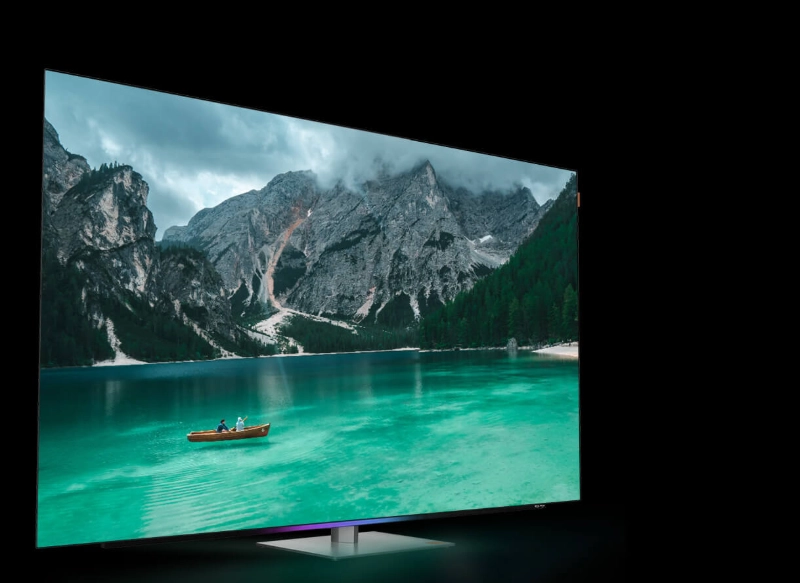
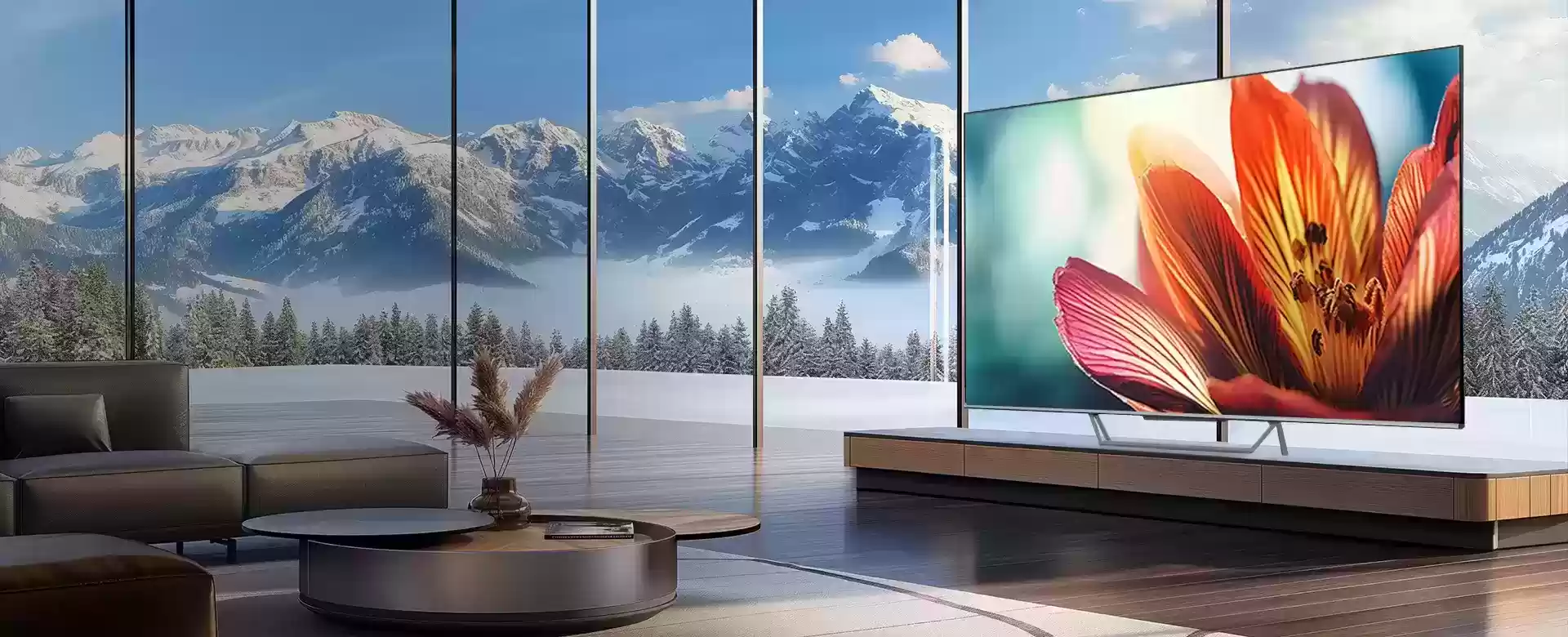
If you mostly watch sports, a TV that looks “great in the store” can still disappoint at home. Live games have fast movement, mixed lighting, and lots of fine detail—grass texture, jersey patterns, scoreboard text, crowd shots, and replays that switch angles quickly. The best 4K Mini LED TV for sports isn’t just about resolution; it’s about how the TV handles motion, brightness, contrast, and real broadcast signals.
Below is a practical checklist you can use before buying (or while setting up a new TV). I’ll use the METZ MNE9000 Mini LED TV as a reference point because its spec sheet covers several sports-relevant features like high brightness, local dimming, AI upscaling, and supported HDR formats. METZ
1) Brightness that holds up in daylight (and stadium-style lighting)
Sports is often watched in bright rooms: afternoon matches, weekend games, friends over, lights on, snacks on the table. If your screen can’t stay bright without washing out the picture, the game feels flat.
What to look for:
High peak brightness (helpful for highlights in HDR and for fighting glare in general).
Consistent full-screen brightness (not just brief bursts on a small highlight).
Stable brightness behavior when the picture cuts from a dark tunnel shot to a sunny wide field view.
Why Mini LED helps: Mini LED backlights can drive higher brightness than many standard LED TVs, which is a big win for sports in bright rooms.
METZ MNE9000 example: it highlights 1000 nits peak brightness, which is the kind of number that usually translates into a punchier, easier-to-see image in daytime viewing.
2) Local dimming for contrast—without crushing detail
Sports broadcasts have a lot of contrast challenges: bright scoreboards on darker backgrounds, stadium lights, white jerseys against dark crowds, night games, and replay graphics.
What to look for:
Local dimming (Mini LED’s main advantage) so you get deeper blacks and better separation in night games.
A TV that keeps shadow detail, so dark areas don’t turn into a single blob of black.
Good handling of blooming (a halo around bright objects like scoreboards or subtitles). No TV is perfect here, but better local dimming control matters.
A good sports TV should let you see the detail in the stands, the texture of the field, and the subtle shading on uniforms—especially during night matches.
METZ MNE9000 example: it specifically calls out Local Dimming as part of its Mini LED performance package.
3) Motion clarity is the difference between “smooth” and “blurry”
Sports is motion. Fast pans across the field, rapid camera cuts, quick passes, and close-up tracking shots can reveal weaknesses immediately.
What to look for (in real use terms):
Clear edges around moving players (less “smear”).
Less stutter in camera pans.
Replays that look crisp, not mushy.
A motion mode that improves clarity without making everything look like a soap opera.
Practical tip: In many TVs, the best sports setting is often a moderate motion option—not the max setting. Max motion smoothing can create artifacts around players (weird outlines) and make the image look unnatural.
METZ MNE9000 example: it emphasizes sports viewing and positioning as an “arena” feeling experience, implying its tuning is designed for this scenario.
4) Upscaling matters more than you think for sports
A lot of sports content is not true 4K. Depending on the service and region, you might be watching:
A great sports TV should make lower-resolution feeds look cleaner: sharper lines, less blockiness, and better detail without turning everything into a noisy mess.
What to look for:
AI upscaling that focuses on edge detail and texture (field lines, jersey text, ball movement).
Noise reduction that doesn’t erase detail (you still want grass texture).
Clear scoreboard text and less “ringing” around graphics.
METZ MNE9000 example: it mentions AI-driven upscaling improving sharpness and depth for sports content.
5) Color volume: bright + colorful without looking neon
Sports visuals aren’t just “colorful”—they’re demanding. Think of bright green fields under harsh lighting, saturated team kits, and bright ad boards. Many TVs can do “bright” or “colorful,” but struggle doing both together.
What to look for:
Wide color gamut and “color volume” (color that stays rich at high brightness).
Natural skin tones in close-ups.
Team colors that look accurate—not overly boosted.
METZ MNE9000 example: it highlights Quantum Dot plus 100% NTSC color coverage in its positioning, which aims at richer color performance.
6) HDR formats can improve sports—but only if they’re supported well
HDR is often discussed in the context of movies, but it can also benefit sports—especially big events with better production standards. HDR can improve:
What to look for:
Support for common HDR formats, and a TV that can actually deliver the brightness and contrast to make HDR meaningful.
Smart adaptation to room brightness, so HDR doesn’t look too dim during daytime viewing.
METZ MNE9000 example: it lists Dolby Vision IQ and HDR10+ support—both relevant if you watch sports across multiple apps and services. Dolby Vision IQ can also adjust based on ambient light conditions.
7) Audio: you want crowd energy, not tiny speakers
Sports is emotional. The best picture won’t feel complete if the audio is thin. Even if you plan to add a soundbar later, it’s worth checking what the TV can do on its own.
What to look for:
Clear commentary (voices shouldn’t get buried)
Stadium ambience and crowd noise that feels “wide”
Easy audio passthrough to a soundbar/receiver
METZ MNE9000 example: it highlights Dolby Atmos, which is a good sign for compatibility with immersive audio setups and modern sound systems.
8) The “sports user experience” details that save daily frustration
A sports TV isn’t just a panel—it’s what you live with for years. Small usability features matter when you’re switching between apps, jumping into highlights, or streaming a match quickly.
What to look for:
A smart TV platform that’s fast and organized
Quick access to favorite sports apps
Phone-to-TV casting for quick clips and replays
Voice control that actually works when you’re mid-game
METZ MNE9000 example: it includes Google TV, Chromecast built-in, and hands-free voice control (“Hey Google”), which are practical for sports routines: cast highlights from your phone, search games by voice, and jump between apps.
9) Size and viewing distance: choose for immersion, not regret
Sports benefits from a larger screen more than many other types of content because your eyes track movement across the entire frame. You want the field to feel like a field, not a postcard.
A simple guideline:
If you sit farther back, consider stepping up in size.
If your room is bright, a brighter Mini LED model can justify the bigger screen because it stays punchy.
METZ MNE9000 example: it’s positioned in 65" and 75" options, which are popular “sports-first” sizes for living rooms.
A quick sports-first checklist
When comparing 4K Mini LED TVs for sports, make sure you can answer:
Is it bright enough for daytime games?
Does local dimming improve contrast without crushing dark detail?
Does motion look clean in fast pans and replays?
Is upscaling strong for 1080p/720p broadcasts?
Do colors stay natural and rich at high brightness?
Does it support the HDR formats you actually use (and look good doing it)?
Can audio deliver crowd energy (or easily connect to a soundbar)?
Is the smart system fast and convenient for sports apps and casting?
Is the screen size right for your seating distance?
If a TV checks these boxes, you’ll feel it every weekend—less fiddling, more “just turn it on and enjoy the match.”
Source: