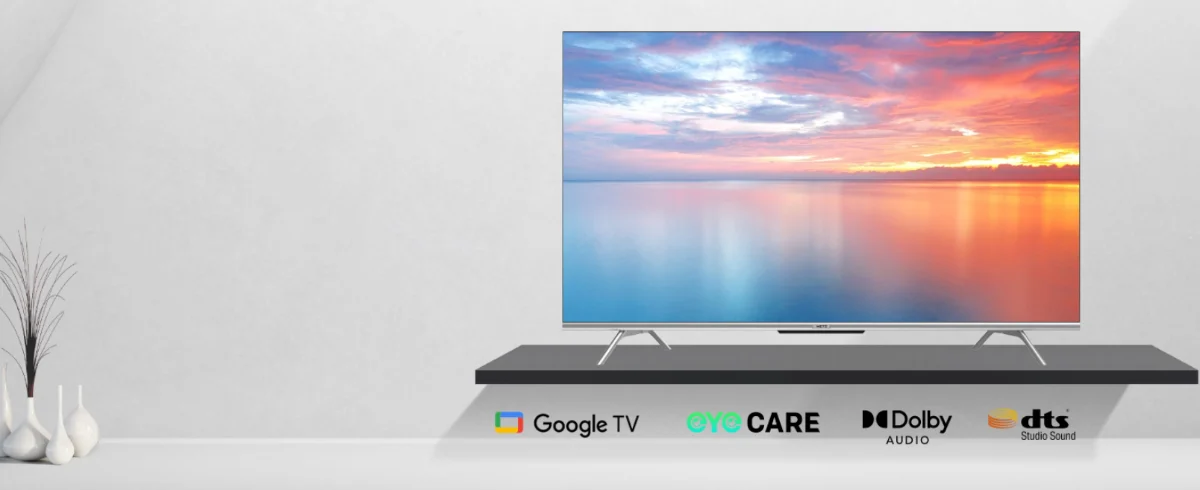
When you’re choosing a new 4K QLED TV, the screen specs get most of the attention—until you live with the TV for a week. Then the smart system becomes the thing you touch every day: searching shows, switching apps, casting from your phone, managing profiles, dealing with updates, and figuring out why the home screen suddenly feels cluttered.
Three names come up constantly:
They can all stream 4K content, they can all run major apps, and they can all feel “fast” on day one. The real difference is how they organize content, how flexible they are, and how they behave over time in a real household.
Google TV 4K QLED television
1) The simplest explanation: what each one is built to do
Google TV
Google TV is essentially a newer interface layer built on Android TV foundations, designed around content discovery. It tries to answer: “What should I watch next?” rather than “Which app do I open?”
You’ll like it if you want:
a home screen that pushes recommendations across multiple services
watchlists and profiles that shape suggestions
strong integration with Google services and casting
Android TV
Android TV is the more “classic” smart TV experience: it’s app-first and can feel more straightforward. You generally open an app and browse inside it.
You’ll like it if you want:
a simpler, more traditional app grid feeling
fewer layers of “recommendation UI”
flexibility (some brands implement it in a cleaner, less content-heavy way)
webOS
webOS is designed for simplicity and speed. It’s often praised for being easy to navigate, especially for non-technical family members, and for feeling “TV-native.”
You’ll like it if you want:
a clean interface that’s easy for everyone in the house
quick access to inputs and apps
a more “appliance-like” experience (less ecosystem-centric)
2) Home screen experience: recommendation-heavy vs app-first
This is where the difference feels most obvious.
Google TV: recommendation-forward
Google TV’s homepage tends to show:
Best for: households that like discovery (movies/series browsing) and don’t mind a content-driven homepage.
Potential downside: if you prefer a minimal UI, it can feel busy unless you customize it.
Android TV: more neutral, more app-centered
Android TV typically:
Best for: people who already know what they want to watch and just want to open the right app quickly.
webOS: simple TV navigation
webOS is often:
Best for: families, older users, or anyone who wants the smart TV to feel uncomplicated.
3) App availability: which one has “more apps”?
For the average buyer, all three cover the essentials:
streaming apps (video and music)
sports apps (varies by region)
major platforms like Netflix, YouTube, and Disney+
Where differences show up:
niche apps (regional TV services, smaller sports providers)
how quickly apps are updated on your specific TV model
whether the TV has enough storage/CPU to keep everything responsive
Practical advice: if you rely on specific regional apps, check those first. App coverage can vary more by region than by OS “brand name.”
4) Casting and phone integration: who makes it easiest?
Google TV / Android TV: usually strongest for casting
If you cast often (sending videos/music from phone to TV), Google TV and Android TV usually make it easiest because they’re tightly aligned with Google casting behavior.
If your household uses Android phones heavily, this can feel very seamless.
webOS: still good, but different flow
webOS supports common sharing methods too, but the “feel” and compatibility can depend more on the specific phone ecosystem and the app you’re using.
Buyer shortcut:
If casting from phones is a top habit, Google TV/Android TV is typically the safer bet.
5) Profiles and household usage: who watches what?
Google TV: best at profile-driven recommendations
If you have:
…Google TV profiles can reduce the “my homepage is full of stuff I don’t watch” problem.
Android TV: can do profiles, but it depends on implementation
Android TV can support multi-user style experiences, but how smooth it feels varies by brand and version.
webOS: tends to be simple, less profile-centric
webOS can be very user-friendly, but it typically feels less “profile recommendation engine” and more “pick an app and go.”
6) Updates and long-term feel: what matters in real use
Most buyers don’t care what update number they’re on. They care about:
Does the TV stay responsive after 12 months?
Do apps keep working smoothly?
Does casting keep working?
Does the TV randomly change the UI layout?
In practice, long-term experience is influenced by:
the TV hardware (processor, RAM, storage)
the manufacturer’s update approach
how many apps you install and keep running
whether you keep storage from filling up
Practical advice (works for any OS):
install fewer apps initially
uninstall “one-time” apps after you’re done
keep at least some free storage
update firmware when stable releases arrive
7) Privacy and “home screen clutter”: which OS feels more controllable?
All smart TV platforms involve data and recommendations to some extent. The real buyer question is: How easy is it to keep the interface calm?
Google TV tends to be more content-and-recommendation-forward by default, but you can usually tune settings and reduce noise if you take 10 minutes to customize.
Android TV can feel cleaner depending on the brand’s UI choices.
webOS often feels simpler out of the box, which some people interpret as “less pushy.”
If you hate clutter: prioritize the OS that feels easiest to navigate for you, and plan to do a quick “first-week cleanup” (pin apps, remove rows you don’t use, limit auto-suggest behavior where possible).
8) Which one should you choose? Quick buyer scenarios
Choose Google TV if you:
Choose Android TV if you:
prefer a more classic “apps-first” TV interface
want flexibility without an overly curated homepage
like a straightforward “launch app, watch content” flow
Choose webOS if you:
want the simplest learning curve for family members
value a clean TV-native interface
prefer speed and ease over deep ecosystem features
Source: