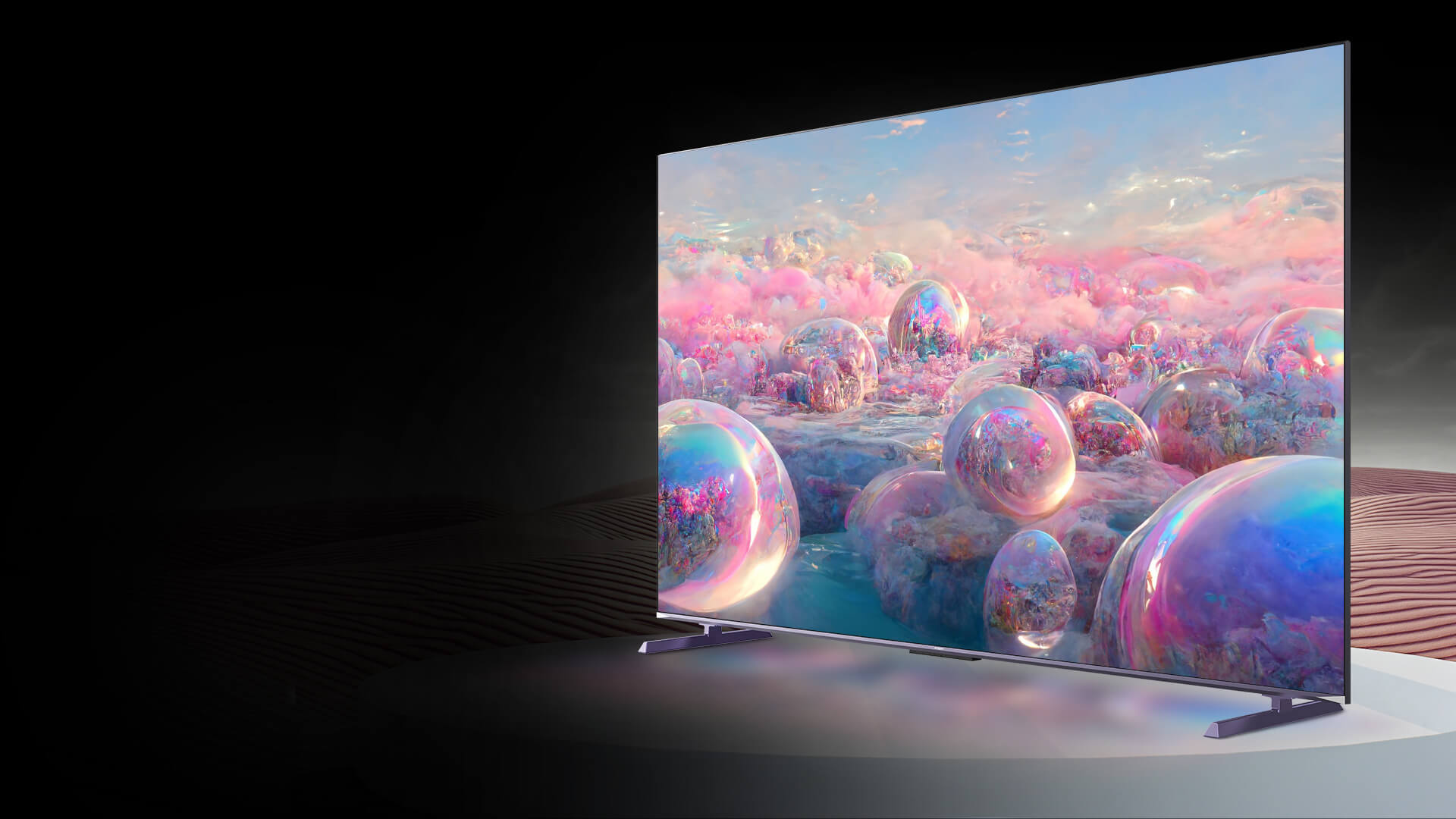
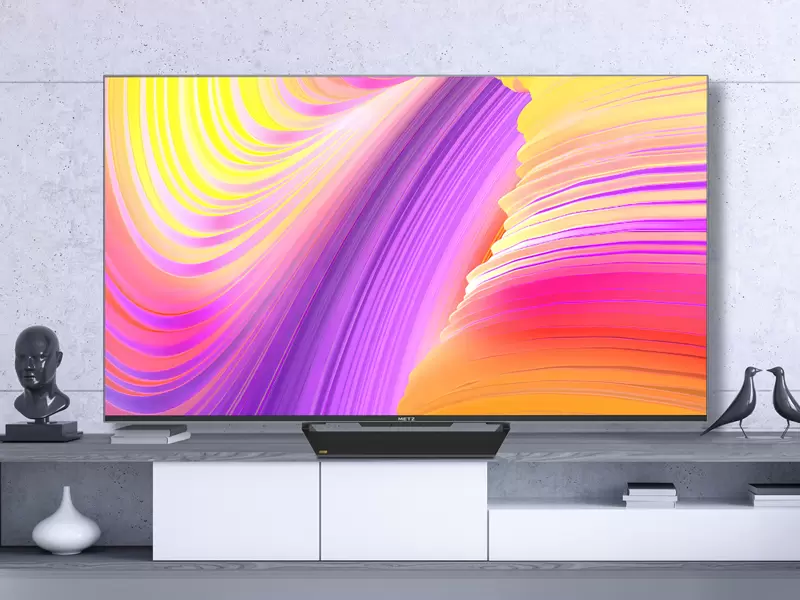
If you’ve been shopping for a new TV recently, you’ve probably noticed a pattern: almost every product page is packed with impressive-sounding terms—“QLED,” “HDR,” “120Hz,” “HDMI 2.1,” “smart features,” “immersive sound.” The problem is that many buyers still end up disappointed after installation because the TV doesn’t match their actual room, habits, or content sources.
A 4K QLED TV can be a great choice in 2025—especially for bright living rooms, mixed use (sports + streaming + casual gaming), and families who want strong color without babying the panel. But it only becomes a “great TV” when you choose the right set of specs for the way you watch.
This guide focuses on what matters in real use, and how to decide quickly without getting stuck in spec overload.
1) Start with the room, not the spec sheet
Most TV regrets come from a mismatch between the TV and the environment.
If your room is bright (daytime viewing, windows, open-plan living room):
If your room is mostly dark (night movies, controlled lighting):
If you watch from an angle (wide sofa, open kitchen view):
Look for stable color and contrast off-axis.
Even the best TV can look washed-out at extreme angles, so consider room layout and mounting position early.
Quick rule: room lighting decides your “baseline” needs. Everything else is optimization.
2) QLED at 4K: what it actually improves
A lot of buyers hear “QLED” and expect a magical leap in blacks and contrast. In everyday viewing, QLED’s most obvious benefit is usually:
Richer color at higher brightness
Better “pop” for HDR highlights
More consistent vibrancy in bright rooms
Think of QLED as “color volume under real-world brightness,” not as a guarantee of perfect blacks. Black performance still depends heavily on the backlight design, local dimming behavior, and your settings.
3) Refresh rate: 60Hz vs 120Hz vs 144Hz (what you’ll notice)
Refresh rate affects motion clarity and gaming feel—but only when your content can actually use it.
60Hz is fine if you mostly watch:
News
Talk shows
Casual streaming
Older TV boxes
120Hz becomes meaningful if you watch:
Sports with fast camera pans
Action content that looks juddery
Next-gen console games that output 120fps
144Hz is a “nice-to-have” for:
PC gaming (especially competitive titles)
Smoother motion handling headroom
Buyers who want one TV for sports + gaming without compromise
If you never game and you mostly watch movies, don’t overpay mentally for high refresh rates—movies are typically far below 120fps. But if your home uses the TV for everything, higher refresh can make the set feel more “effortless,” especially for sports and gaming.
4) HDMI 2.1: the one spec that prevents future regret
In 2025, HDMI 2.1 is less about bragging rights and more about flexibility.
HDMI 2.1 features that matter in real use:
4K at higher frame rates (for consoles and PCs)
VRR (Variable Refresh Rate) to reduce tearing and stutter in games
ALLM (Auto Low Latency Mode) so the TV switches into game-optimized settings automatically
eARC for better audio passthrough to a soundbar or AV receiver
Even if you’re not a heavy gamer, HDMI 2.1 helps keep your TV ready for the next device upgrade—new consoles, upgraded streaming boxes, or a future sound system.
5) HDR formats: don’t just “look for HDR”—understand which one
HDR is where many TVs look amazing in demos and confusing at home. The key is knowing that “HDR” is not one thing.
Common HDR formats you’ll see:
HDR10 (baseline HDR)
HDR10+ (dynamic metadata; can improve scene-by-scene brightness handling)
Dolby Vision (widely supported dynamic HDR, strong streaming ecosystem)
In practice:
Dynamic HDR formats can improve consistency across different scenes.
But your experience also depends on your room lighting and your picture settings. A TV can support HDR formats and still look disappointing if it’s in a bright room with the wrong mode enabled.
Tip: When you first set up a 4K QLED TV, create two picture profiles:
Day profile (brighter, controlled reflections)
Night profile (more accurate contrast, less harsh brightness)
This single step solves more “my HDR looks weird” complaints than any spec argument.
6) Smart TV system: choose the one you’ll actually use
A good smart system is less about having “apps” (most TVs do) and more about:
If you prefer a unified content home screen, easy casting, and a familiar ecosystem, a platform like Google TV can make daily use easier—especially in a household where different people watch different content.
7) Sound: decide whether you’re a “TV speaker person” or not
Many buyers spend weeks picking the TV and five minutes on audio—then complain about dialogue clarity.
Here’s the truth:
For casual viewing, built-in audio can be fine.
For movies, sports crowds, and dialogue-heavy series, you often want better clarity and separation.
If you plan to add a soundbar later, prioritize:
It’s not about making the room shake. It’s about hearing voices clearly without blasting volume.
8) A practical decision checklist (fast, no stress)
Use this simple checklist and you’ll narrow down quickly.
Pick a 4K QLED TV if you want:
Strong color in bright rooms
A balanced TV for sports + streaming + casual gaming
A low-maintenance screen choice for family use
Prioritize these specs in order:
Room match: brightness + reflections
HDMI 2.1 essentials (VRR/ALLM/eARC)
Refresh rate (120Hz minimum if gaming/sports matter)
HDR formats (HDR10+ / Dolby Vision if available)
Smart system you’ll actually use daily
Audio path (built-in vs soundbar-ready)
9) Where a TV like MQE8000 fits in this guide
If your goal is a modern “do-it-all” 4K QLED TV—strong for everyday streaming, lively for sports motion, and capable for gaming with high refresh + HDMI 2.1—the MQE8000-style positioning (4K QLED + high refresh + modern smart system + home theater audio support) aligns with what most households actually need: one screen that adapts to different uses without constant tweaking.
Source: